
What is Quick Call?
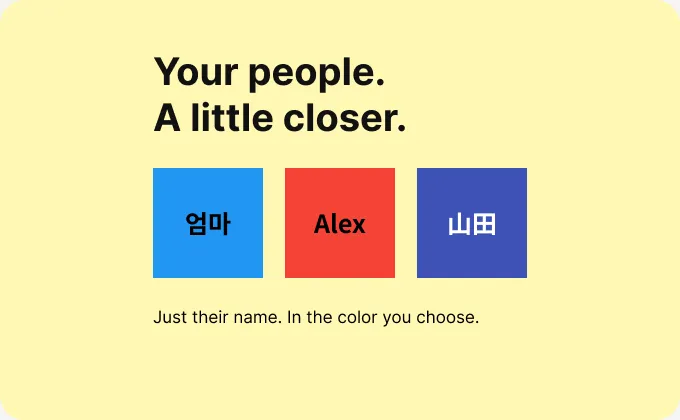
Quick Call is an Android app for finding frequent contacts by name and color. Long-press a shortcut in the app to place a call, or use a home screen widget.
Contacts and settings are stored on your device. You can export and restore backup files. Korean, English and Japanese support, together with name-only widgets, are included in the new update and will become available as it rolls out.
How to use
Add a contact
Enter a name and number, or import only the contact you choose.
Make it yours
Organize shortcuts into groups and give each contact a recognizable color.
Add a widget
Choose Quick Call in your home screen widget picker and select a contact.
Frequently asked questions
- Is it free?
- Yes, with no ads. Calls use your carrier service and normal plan charges may apply.
- Can I save international numbers?
- You can save numbers in + country-code format. Whether a call can connect depends on your carrier, plan and device.
- Which language opens first?
- Korean and Japanese devices use their matching language. English and other device languages use English. Settings lets you choose Korean, English or Japanese and remembers your choice.
